


Solution: agencies with multiple branches and a sub-agency network
Manage branch and sub-agency sales, commissions and reconciliation together
For agencies with multiple branches, sub-agencies or resellers. Sub-agencies create bookings through the sub-agency portal, and their commissions and current accounts are processed automatically. Hotels enter their own prices through the property portal (extranet), and your partners’ software connects via the Partner API.
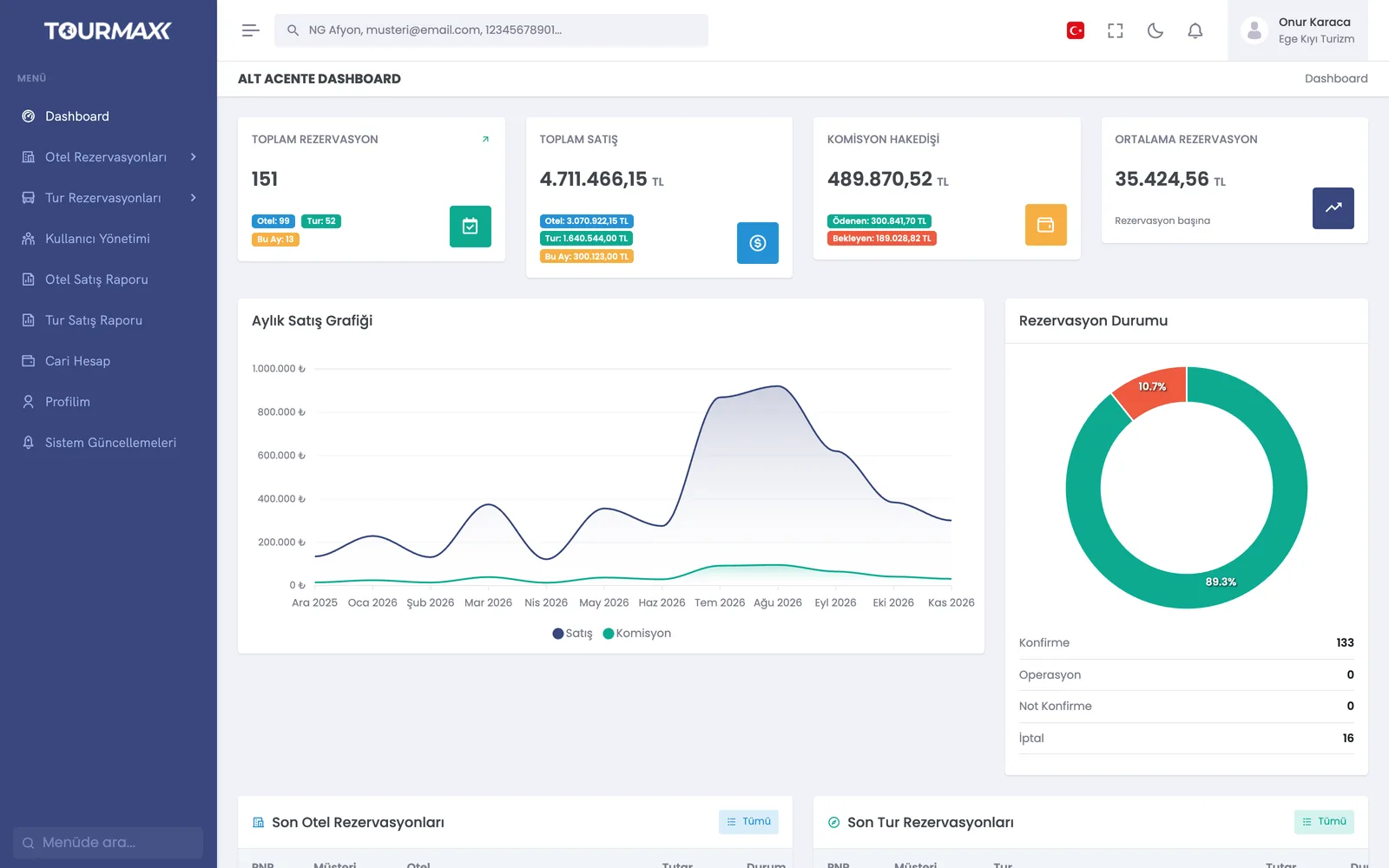 Real screensSub-agency portal
How things work today, and what changes with TourMAX
Each sub-agency’s sales are collected in Excel, commissions are calculated by hand, and reconciliation takes a long time.
The commission or net working model is defined on the sub-agency card. Paid, cancelled and offset statuses are tracked; a bulk bank transfer is allocated across bookings, and reconciliation is done on one screen.
The sub-agency sells in another system and notifies you by email, and you enter the booking again.
In the sub-agency portal, the sub-agency sees the property fact sheet, prices and allotments, creates bookings and gets its reports. A sub-agency with its own software connects via the Partner API.
A separate site, a separate user list and separate reports are kept for each branch.
Multiple brands and sites are managed from the same installation: 3 sites on Professional, 5 on Premium and unlimited on Enterprise; extra sites can be added to Starter and Standard. User permissions are granted by role and team, and reports can be filtered by sales channel and sub-agency.
From sub-agency sale to reconciliation
The commission model, permitted products, payment types and sub-agency users are set on the sub-agency card.
Sub-agencies sell through the sub-agency portal, branches through the panel and partners through the Partner API; all sales draw from the shared allotment.
The hotel enters contract, promotion and stop sale changes through the property portal. In the default flow, changes go to the approval queue and go live once you approve them.
At month end, commissions and net payments are calculated and reconciled on one screen. The current account statement is sent to the sub-agency.
B2B Sales Channels
Sub-agency portal, commission and net reconciliation, extranet and Partner API.
Learn more →Booking Website
A separate site for each sub-agency or brand, managed from the same installation.
Learn more →Accounting and Finance
Sub-agency current accounts, commission receivables and net reconciliation.
Learn more →Reports and Dashboard
Sales report filtered by sales channel and sub-agency, plus the agent scorecard.
Learn more →Commonly connected integrations


The sub-agency portal and the extranet are included from the Professional plan upward. The number of partners is 30 on Professional and 60 on Premium; the number of live Partner API connections is 2 on Professional and 10 on Premium. Both are unlimited on Enterprise. Premium is recommended for up to 5 sites, and Enterprise for unlimited sites and white label.
Compare plans