


Tour management module New
Set up the tour, fill the departure, get operations ready
With the new Price and Date screen, departures, allotments and option prices are entered in list or calendar view. The visual seat layout, departure board and six-tab operations report follow the tour from sale to return.
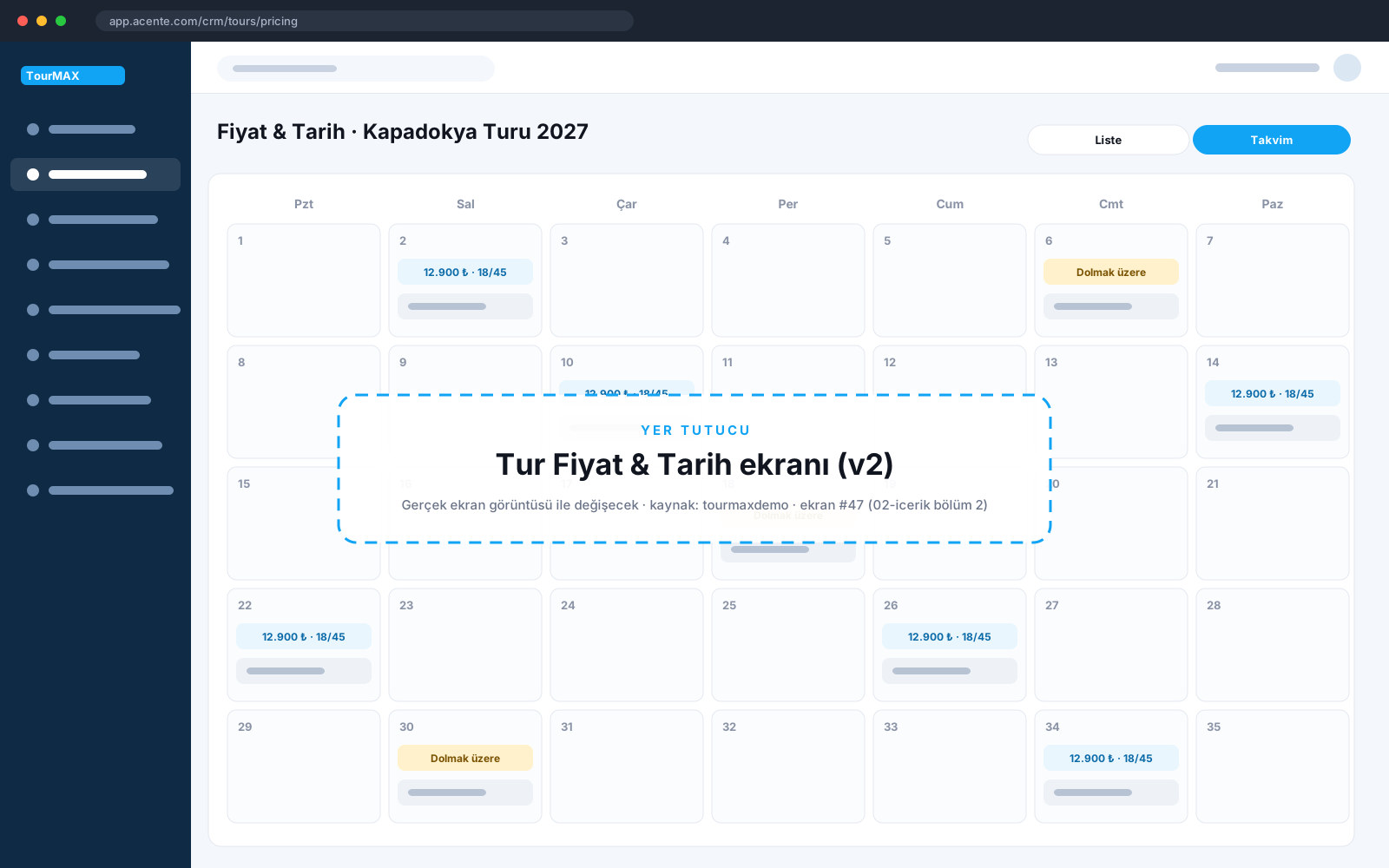 Real screens · demo dataTour Price and Date screen: list and calendar view
Highlights of the Tour Management module
Single or recurring departure dates; departure groups; 1-4 guests and three child prices per option; allotments and stop sales; list and calendar view.
Operator, six transport types, departure points, route map, itinerary, amenities, images and SEO. Last year's tour is copied and the dates are updated.
Draft texts for day-by-day itineraries and short notes; reused across tours in the same region.
As seat occupancy rises, the price increases automatically; thresholds are set per tour.
Multiple vehicles per tour and departure; color-coded plan; assign, move and remove passengers; vehicle income and expenses in four currencies.
Occupancy rate and remaining allotment for upcoming departures; comparison of bookings, guests and allotment.
Coach, accommodation, transfers and boarding, insurance and taxes, payments, and revenue-versus-cost profitability tabs; Excel and printing. Passenger lists by departure.
Tours from WTatil, İstya and Yunanistan.com are sold from the same screen as your own tours; exchange rate and exchange difference lines for tours priced in foreign currency.
How does it work in three steps?
Itinerary, amenities and images with the wizard; copy from last year.
Dates, allotments and option prices on the Price and Date screen.
Seat layout, passenger list and operations report are ready on departure day.

Tour Management by plan
Items marked as add-ons can be added separately to lower plans. See the comparison of all plans and add-on prices on the pricing page.
Integrations this module uses




Frequently asked questions about Tour Management
Do I need to create a separate tour for each departure?
Does the seat layout change depending on the coach company?
Which plan includes it?
Modules it works with
Booking and Sales
Sell hotels, tours, flights and transfers in one flow
All plansProperty Management
Contracts, prices, allotments and competitor prices on one property card
All plansFlights, Transfers and Packages
Sell flights and transfers in the same cart, and package them
From Premium upward; add-on for lower plans