


Call center module
PBX inside the CRM: when the phone rings, the customer card opens
Your cloud PBX and TourMAX work on the same screen. Who is calling, which booking the call relates to and who is handling it; the agent panel is visible on every page. The wallboard, queue rules, call recordings and missed call tracking are managed without logging in to a separate PBX panel.
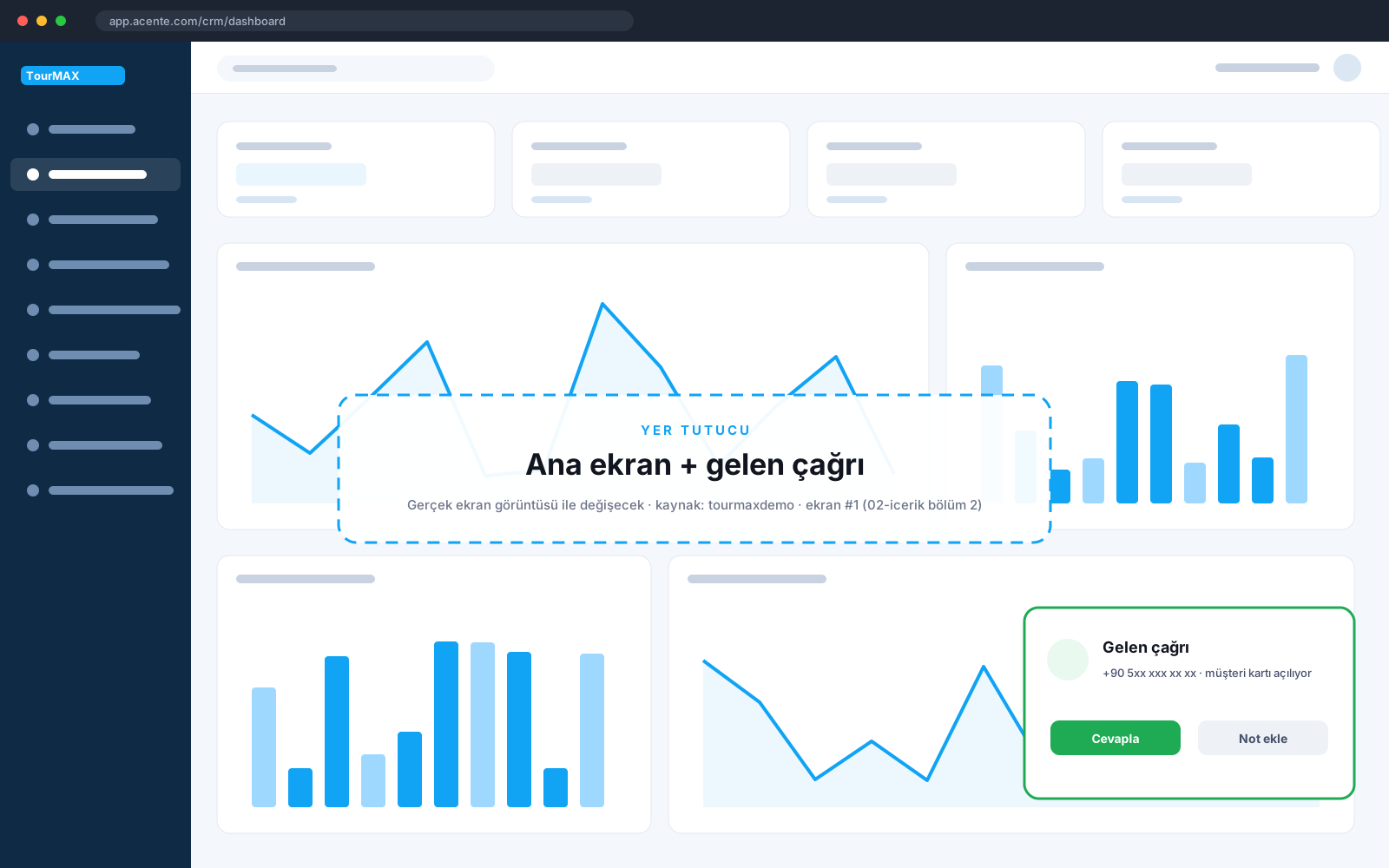 Real screens · demo dataCustomer card that opens on an incoming call
Highlights of the Call Center module
Ready, break, meeting and offline statuses; dialing; incoming call screen and customer card. Outbound line selection, blind or attended transfer, hold and an after-call work timer.
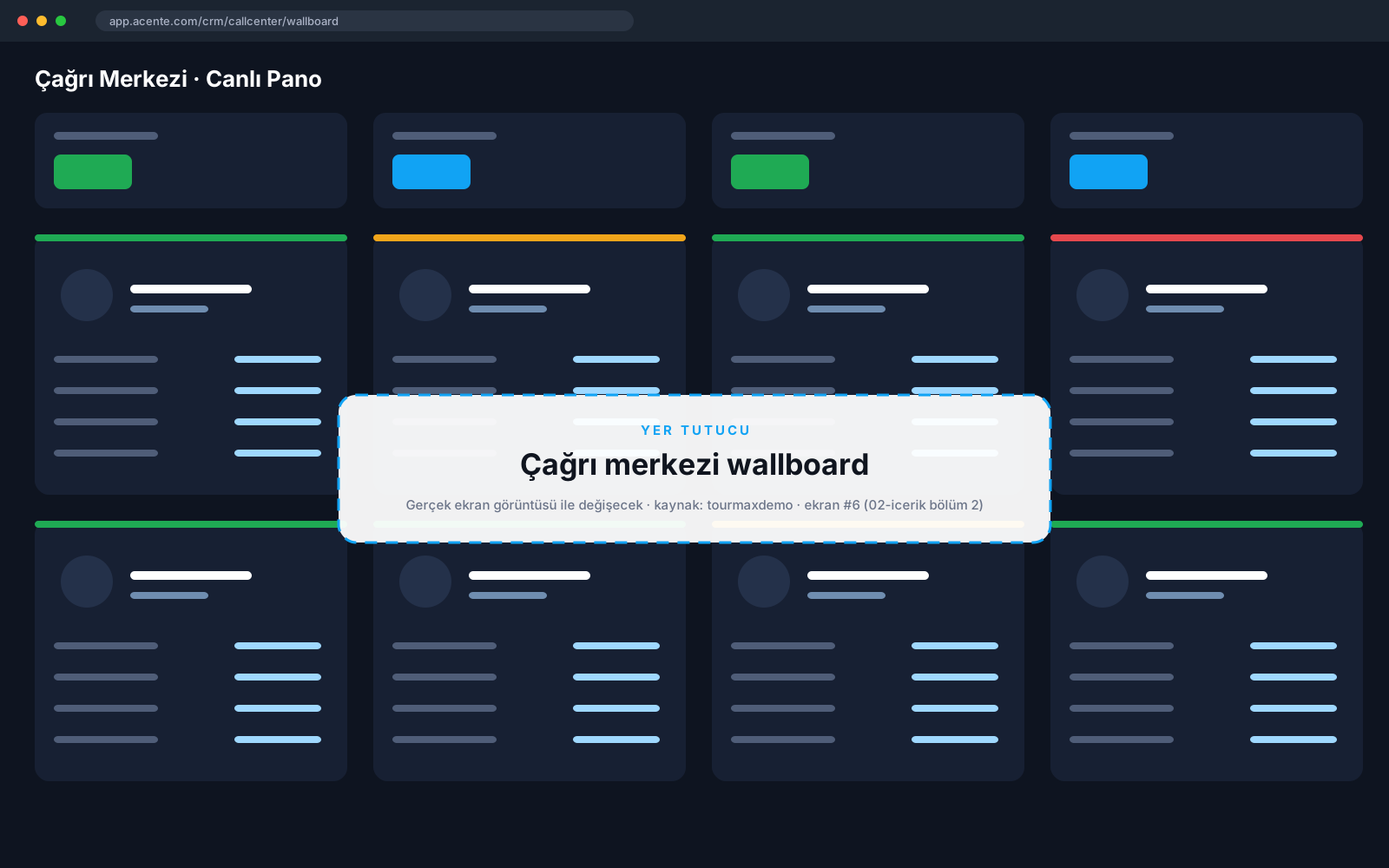
Live queue counters and agent tiles. The manager can listen to a call, whisper to the agent or join the call.
Seven call distribution strategies; timeout, retry and wrap-up times; greeting announcements and hold music are configured per queue.
Missed calls are tracked with pending, calling, unreachable and contacted statuses. The auto-dialer calls missed callers back according to a weekly schedule.
Type, agent, line and number filters in the call list. Recordings can be played at higher speed and downloaded, and a callback can be started from the same row. Listening permission is granted per user.
Answer rate, 20-second service level, hourly distribution, queue and outbound line tables; Excel export.
Break types, daily and concurrent limits, manager approval. Escalating steps when time runs over: a warning, not-ready status and forced logout.
Inbound and outbound blocking with reason codes. Extension passwords, pickup groups, call recording and voicemail; extensions are mapped to CRM users.
How does it work in three steps?
The caller's customer card, latest booking and open requests appear on screen.
A note is taken, a booking is created or a callback request is opened; after-call work time is tracked.
Wallboard and line statistics; missed calls are called back automatically.
Call Center by plan
Items marked as add-ons can be added separately to lower plans. See the comparison of all plans and add-on prices on the pricing page.
Integrations this module uses



Frequently asked questions about the Call Center
Can we use our existing PBX?
Where are call recordings stored?
Which plan includes it?
Modules it works with
Customer Management
Every customer on one card: calls, messages, bookings, payments
All plansSocial Inbox
Turn WhatsApp, Instagram and Messenger into sales from one inbox
From Premium upward; add-on for lower plansReports and Dashboard
Base decisions on numbers: dashboard, reports, site analytics
All plans