


Social Inbox module New
Turn WhatsApp, Instagram and Messenger into sales from one inbox
Customer messages are collected in a single inbox inside the CRM. Agents prepare hotel or tour quotes from the chat and send payment and voucher links from the same window; when a quote turns into a booking, it shows up in the inbox.
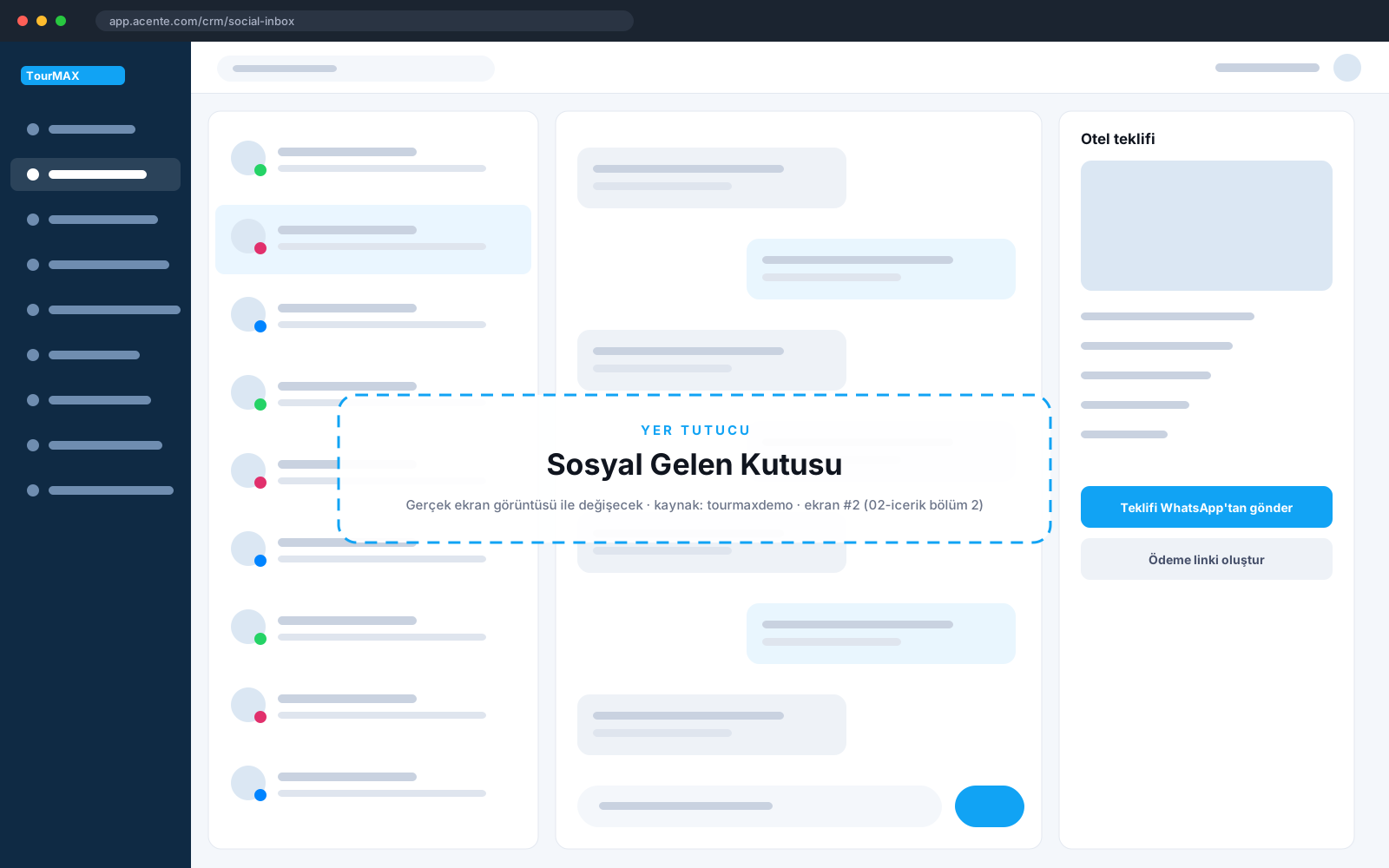 Real screens · demo dataInbox and quote panel
Highlights of the Social Inbox module
WhatsApp, Instagram DM and Messenger conversations in one list with open, mine, unassigned and resolved statuses; search, counters, media preview and uploads.
A property or tour is searched, and the price quote is sent from within the chat. The quote list and booking conversion tracking are on the same screen.
Payment links, vouchers and document links are sent from the chat; open payments and sent documents are listed.
The chat is matched to the customer card, and a summary appears alongside. A callback request can be opened from the chat and flows to the call center.
Taking over, releasing and transferring conversations to another agent; internal notes; team-based routing rules and response time (SLA) control.
Post and Reels comments are listed; reply, private reply, hide, delete and assign from the same place.
Quick sign-up with the WhatsApp Cloud API; using the same number together with WhatsApp Business on your phone; multiple numbers and brands.
24-hour window tracking, approved templates, multilingual opt-out keywords and compliance checks with 11 rules. Message fees come from Meta, with no intermediary markup.
How does it work in three steps?
Whatever the channel, it lands in one inbox; routing rules assign it to the right team.
The agent searches for the hotel or tour and sends the quote and payment link from the chat.
Payment is collected, the voucher is sent from the chat, and the conversion appears in the report.
Social Inbox by plan
Items marked as add-ons can be added separately to lower plans. See the comparison of all plans and add-on prices on the pricing page.
Integrations this module uses


Frequently asked questions about the Social Inbox
Can we use our own WhatsApp number?
How do message fees work?
Which plan includes it?
Modules it works with
Call Center
PBX inside the CRM: when the phone rings, the customer card opens
From Premium upward; add-on for lower plansCustomer Management
Every customer on one card: calls, messages, bookings, payments
All plansMarketing
From your customer data to campaigns, from campaigns to bookings
From Standard upward